
Since the Flavrapogi app is not currently available on official app stores, please use these alternative installation methods:
For Your Device
Android
iOS
Desktop
Web
Android Installation
Install the Flavrapogi APK directly or as a Progressive Web App (PWA):
1
APK Method: Download and install the APK file (requires allowing installations from unknown sources)
2
PWA Method: Add to home screen from Chrome browser for app-like experience
Note: The Full Version is a standalone React Native build. The Light Version is a smaller PWA-based APK with reduced size.
Light Version Features:
- 75% smaller download size
- Optimized for low-end devices
- Same core functionality
iOS Installation
Since we can't distribute through the App Store, use these methods:
1
Web Bookmark: Add to home screen from Safari (works as a web app)
2
TestFlight: If available, join our TestFlight beta program
Note: As this is a React Native app built with Expo, the web bookmark method provides most features but some native functionality may be limited.
iOS Installation
Desktop Installation
Use Flavrapogi on your Windows, Mac, or Linux computer:
1
PWA: Install as a Progressive Web App from Chrome/Edge
2
Electron App: Download the desktop version if available
3
Web Version: Use directly in any modern browser
Web Version
Access Flavrapogi directly in your browser without installation:
1
Works on all devices with a modern web browser
2
Most features available (some native device features may be limited)
3
Automatically updates without needing to install new versions

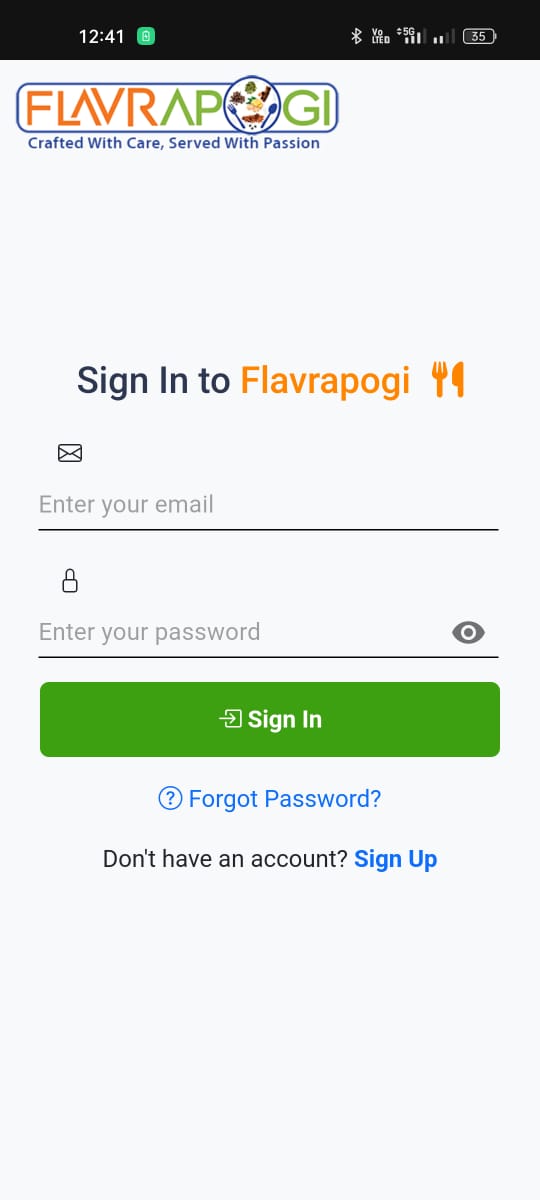
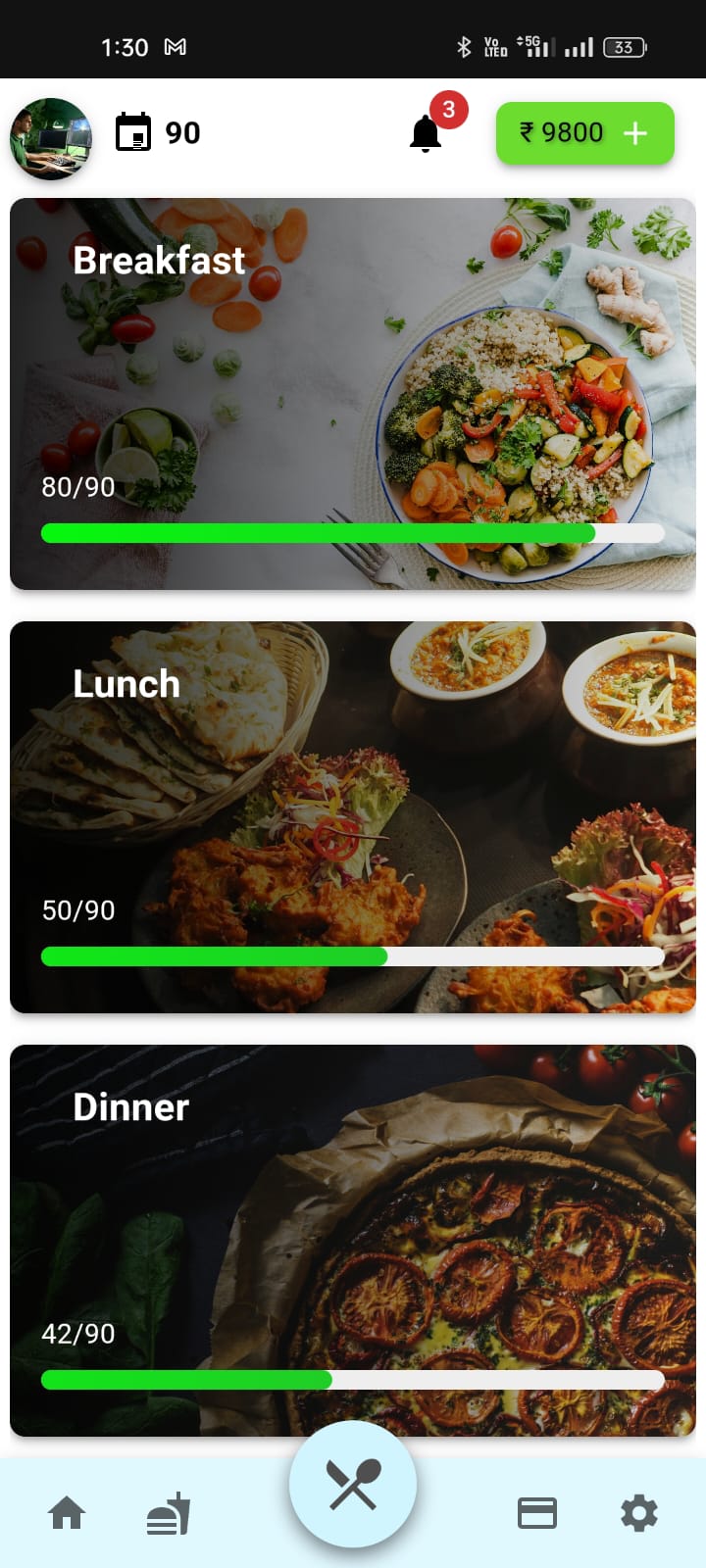
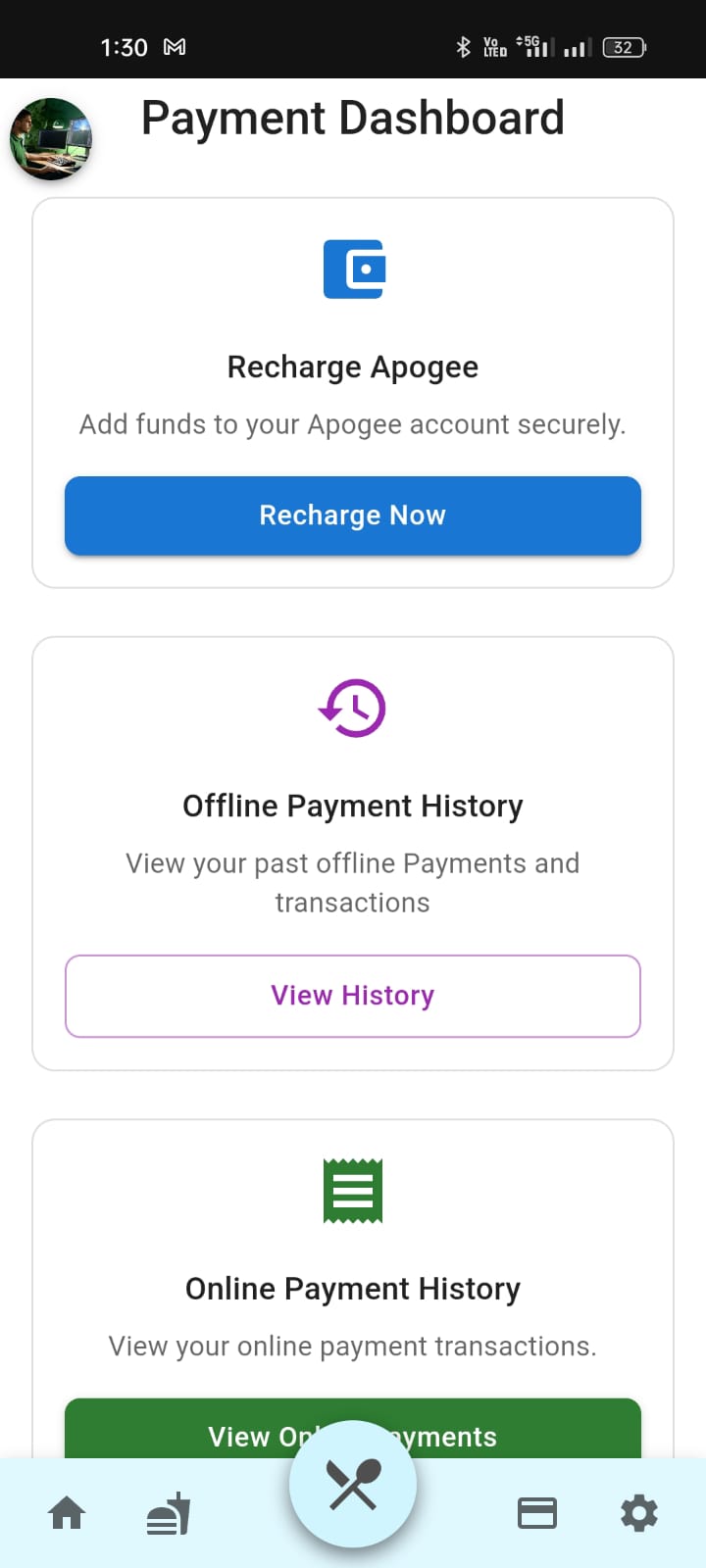
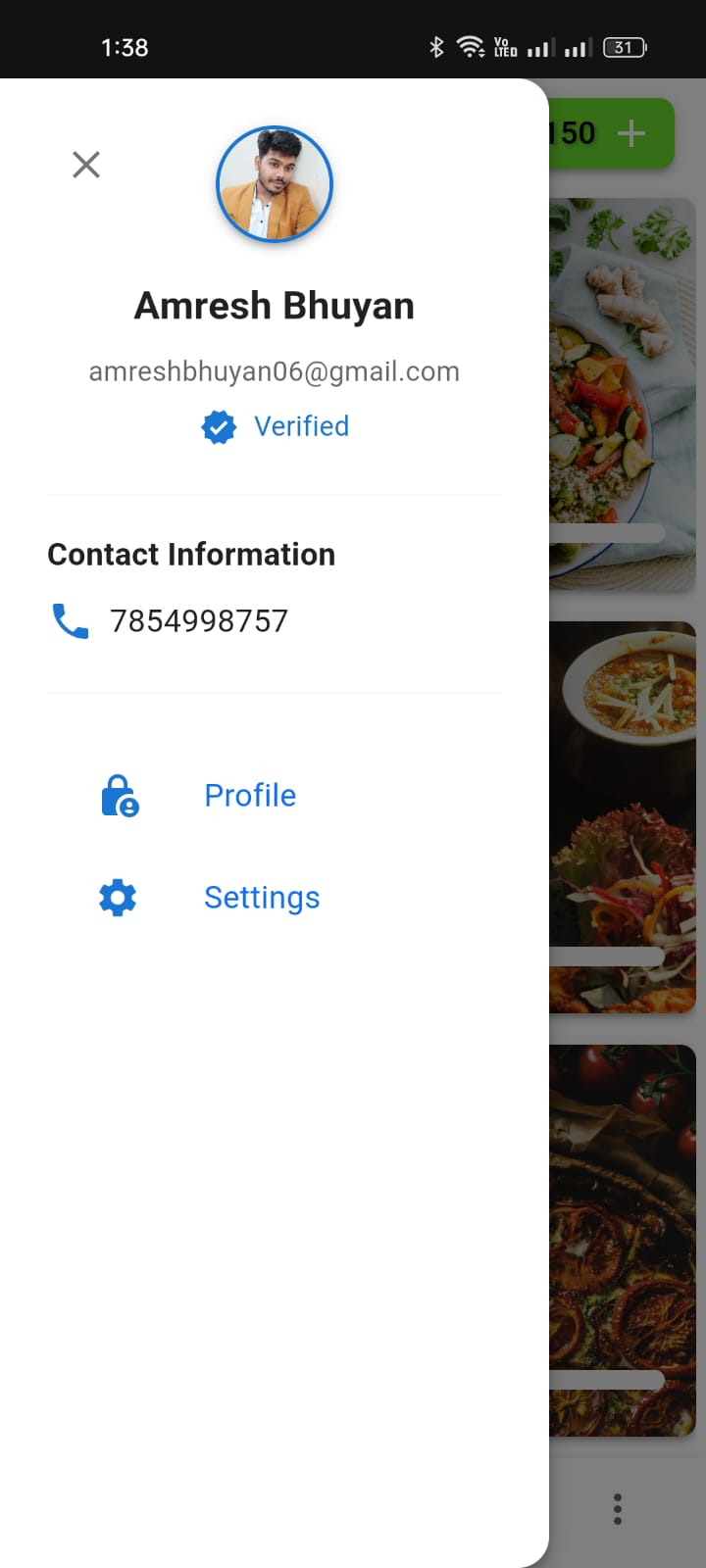
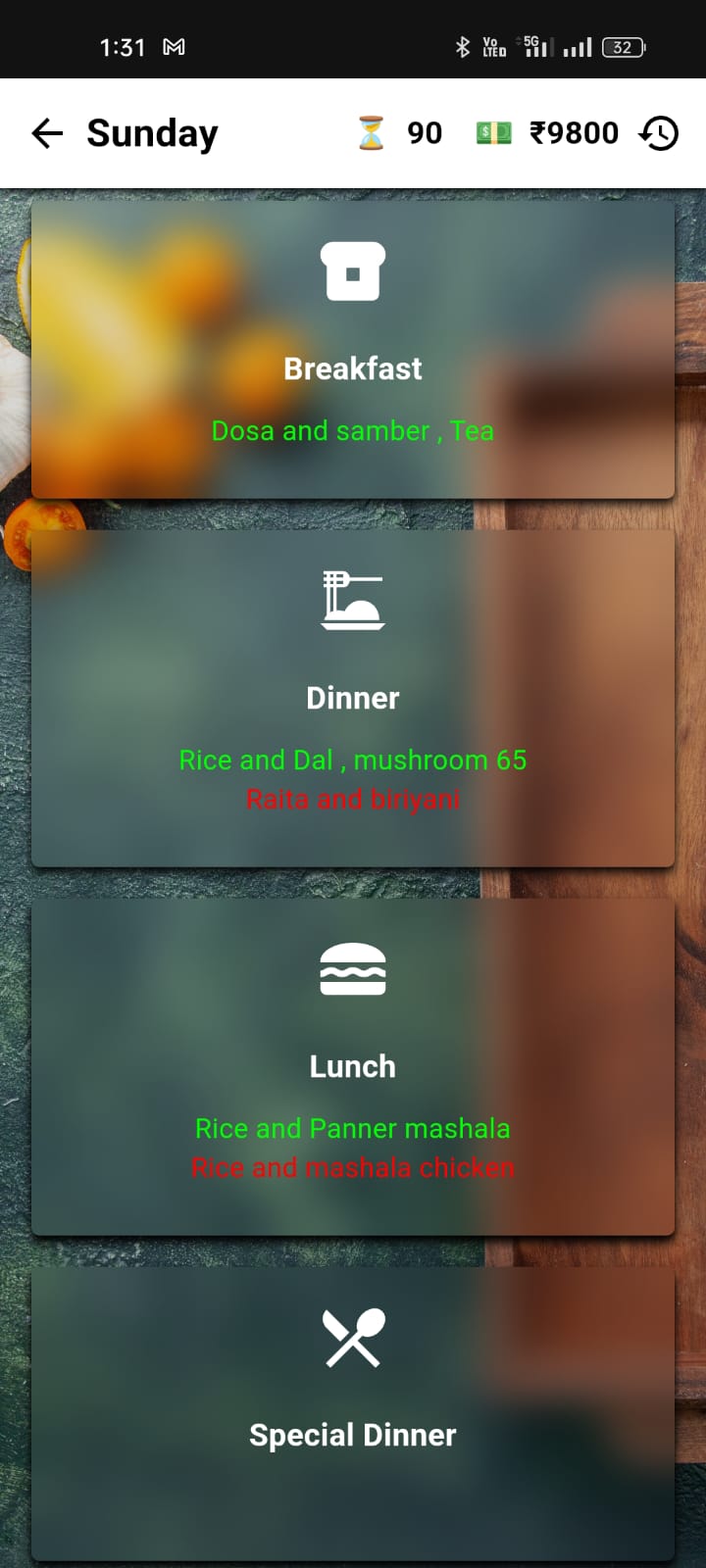
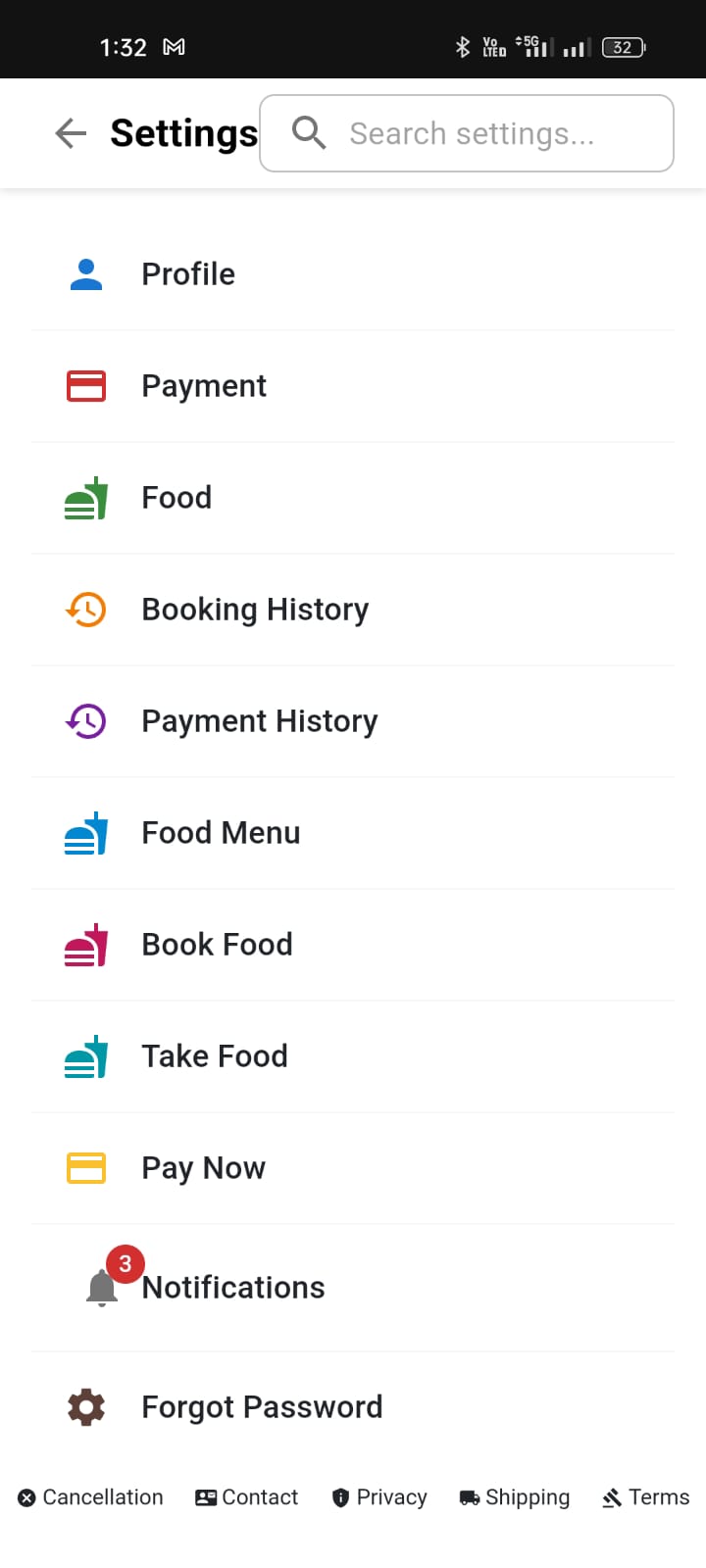
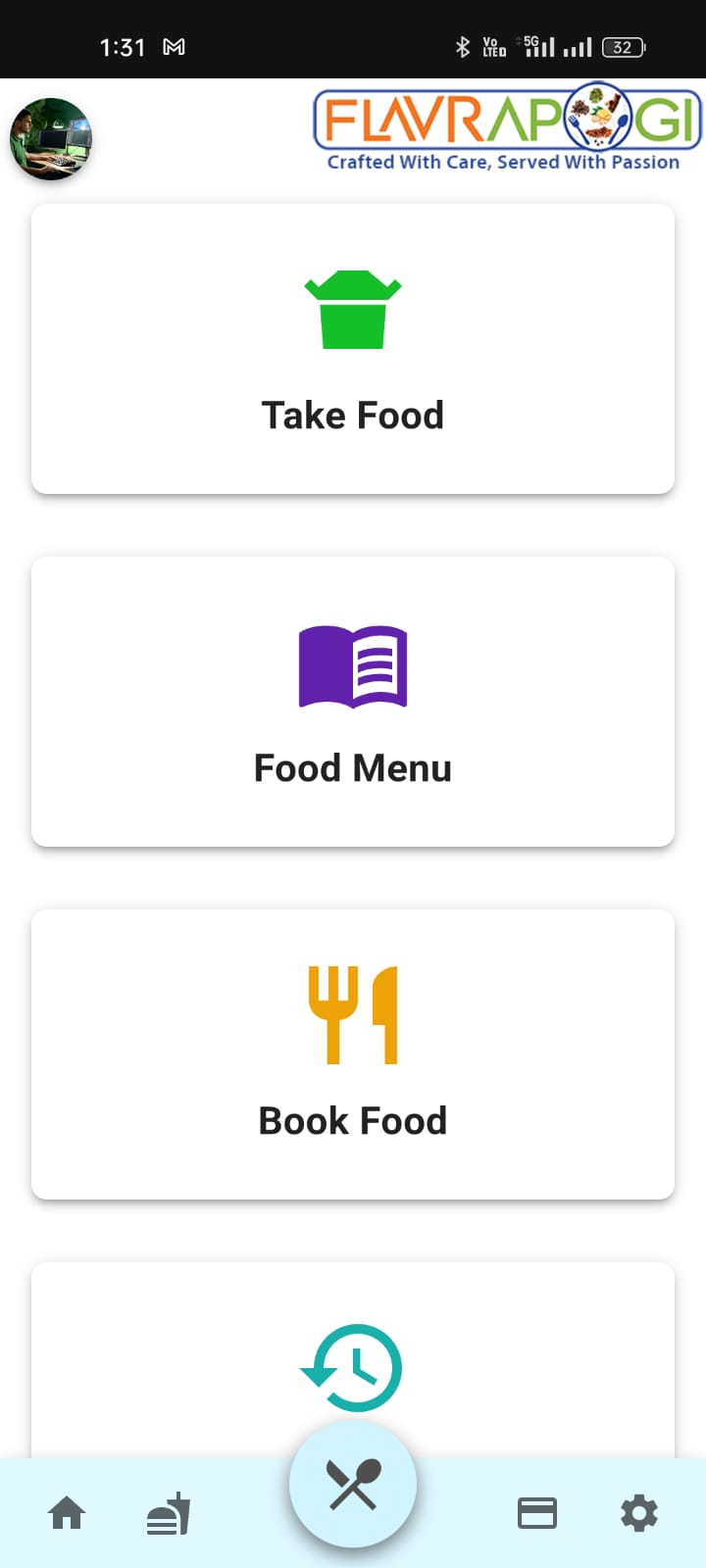
Why these alternative methods? Since we're unable to host the Flavrapogi app on official app stores currently, these methods provide reliable alternatives to access the app. The PWA and web versions offer similar functionality with automatic updates.