
Flavrapogi
Flavra Inc.
PWA • Web App
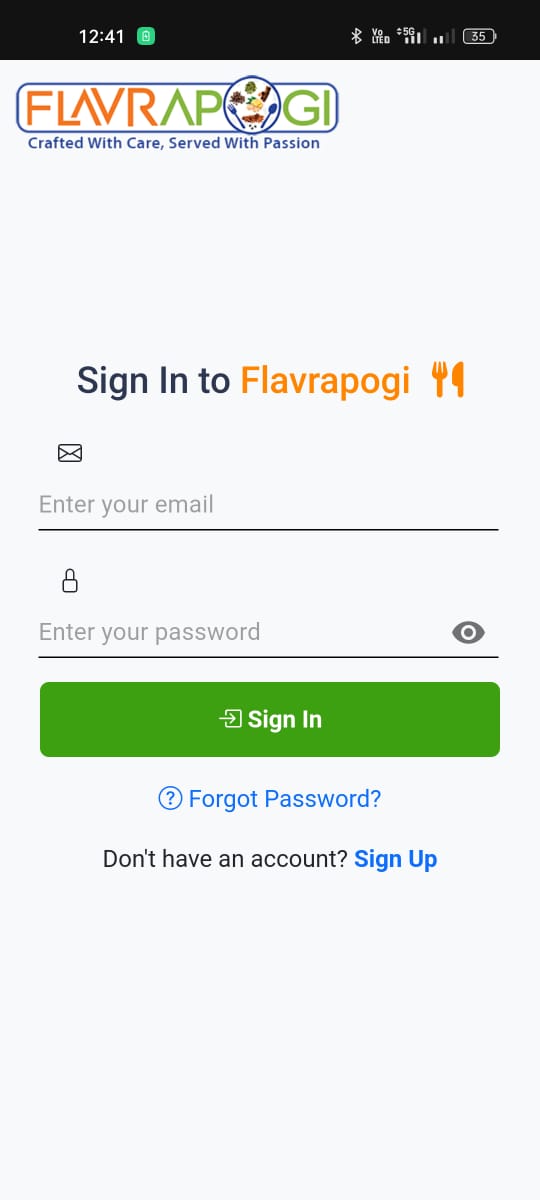
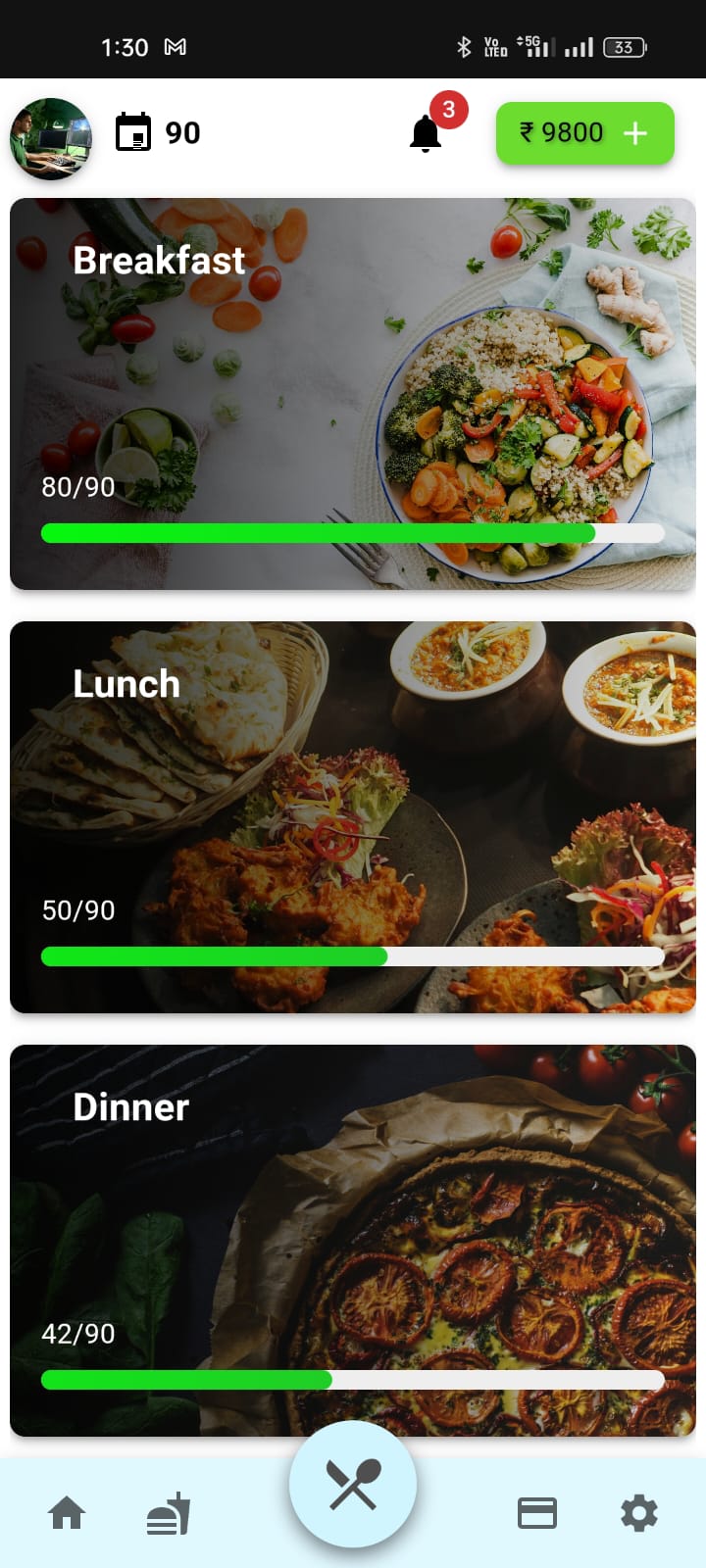
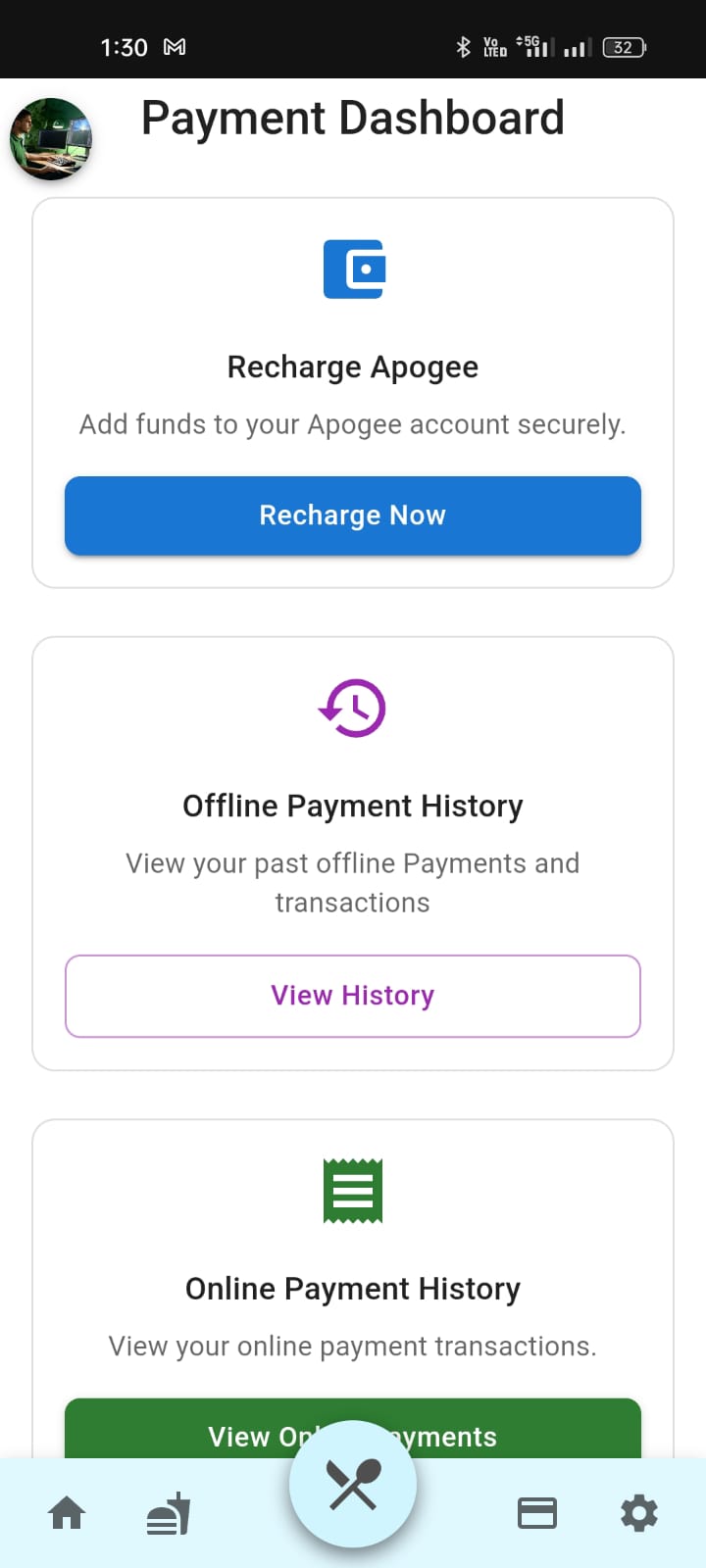
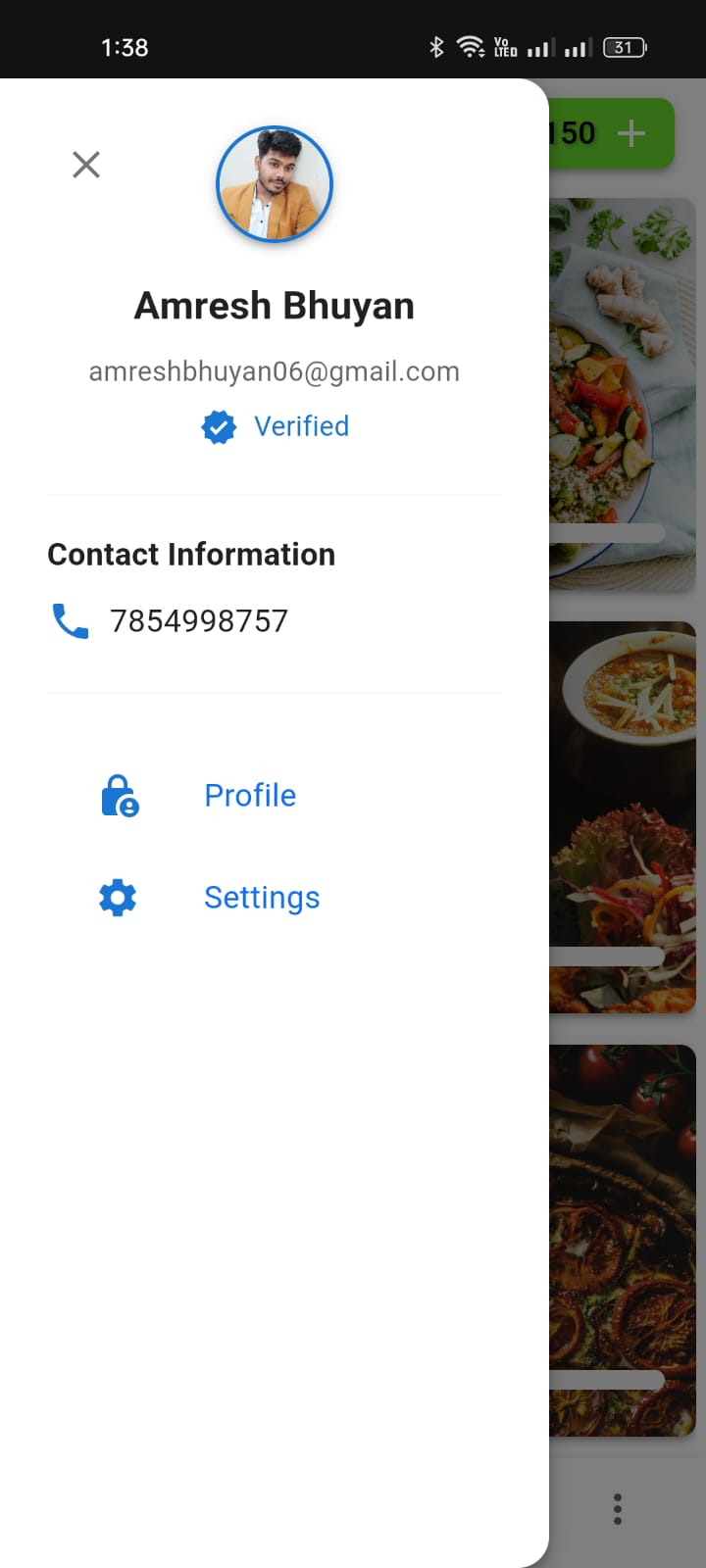
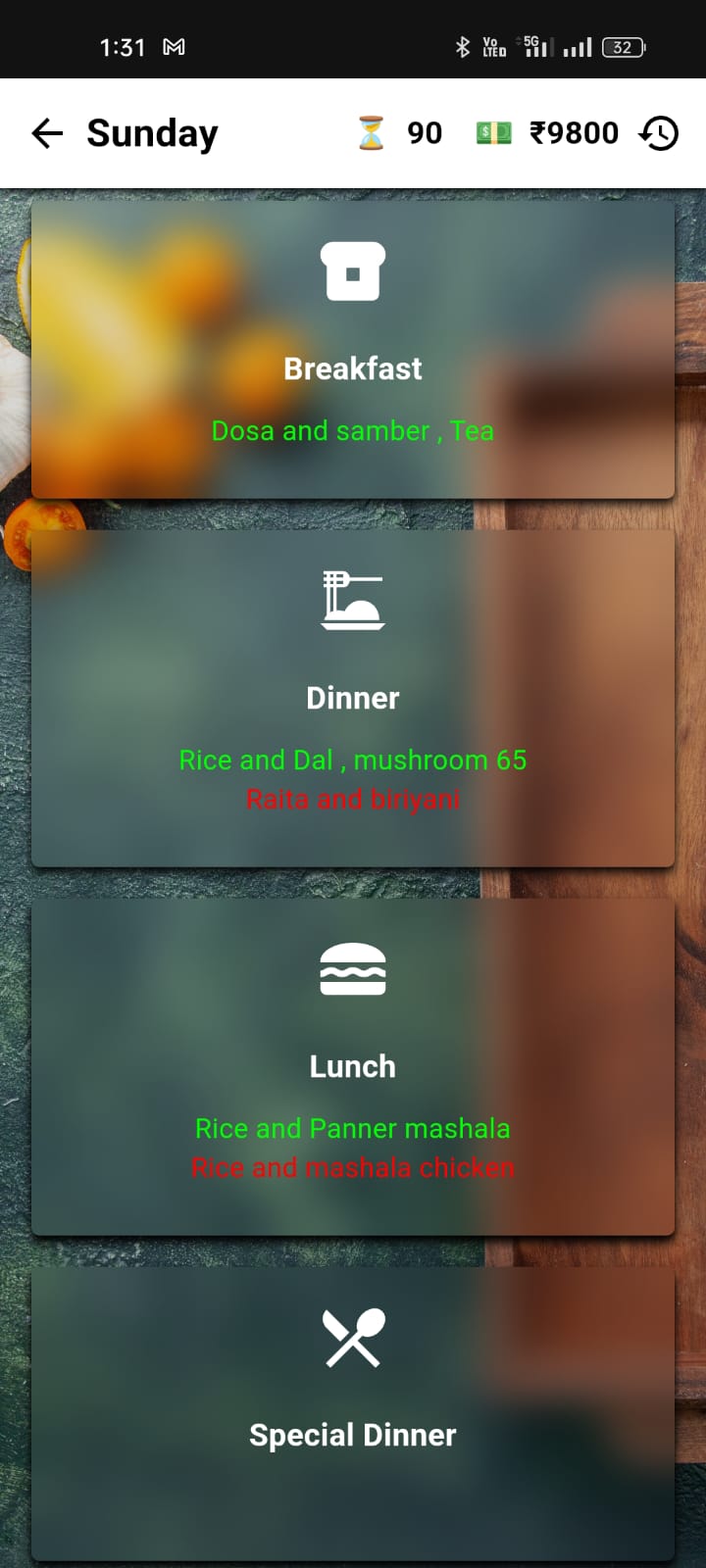
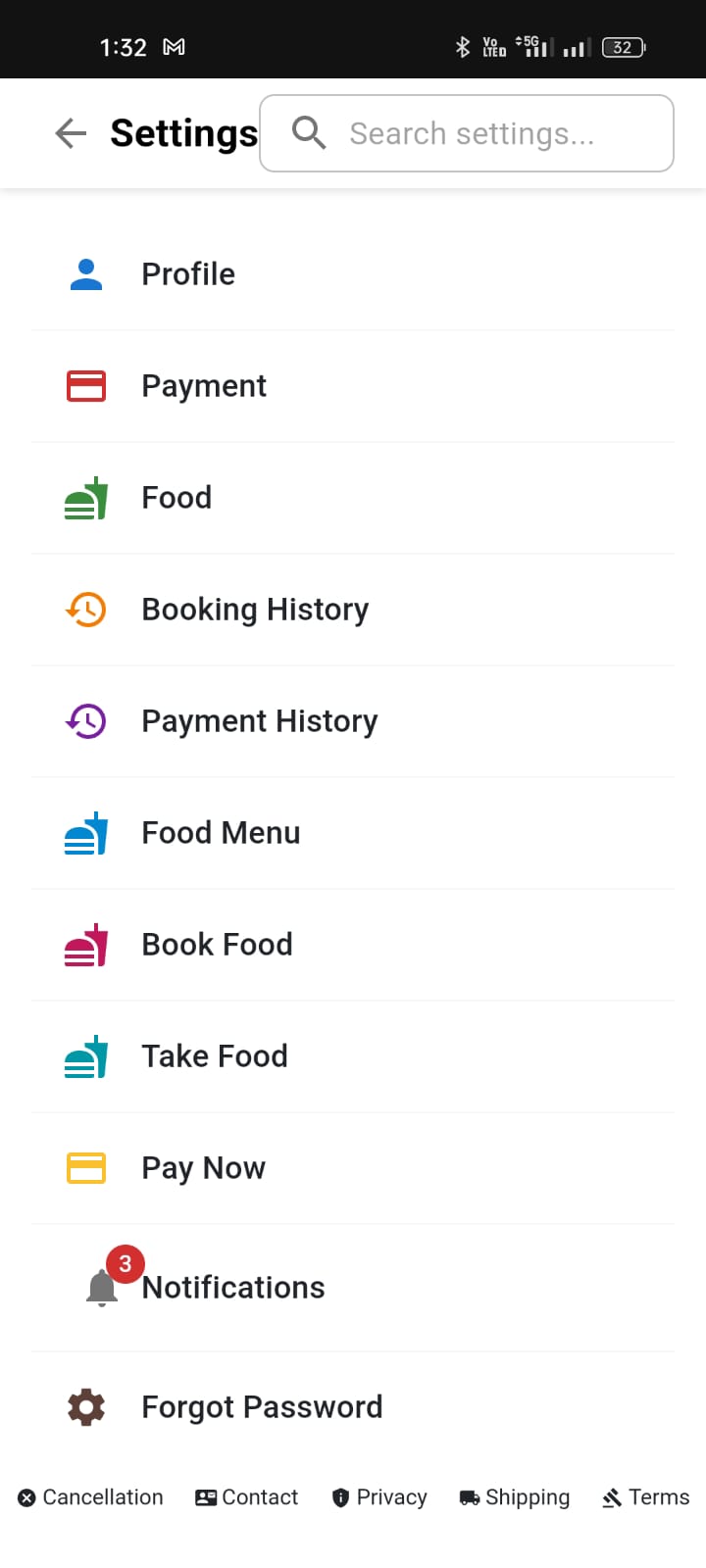
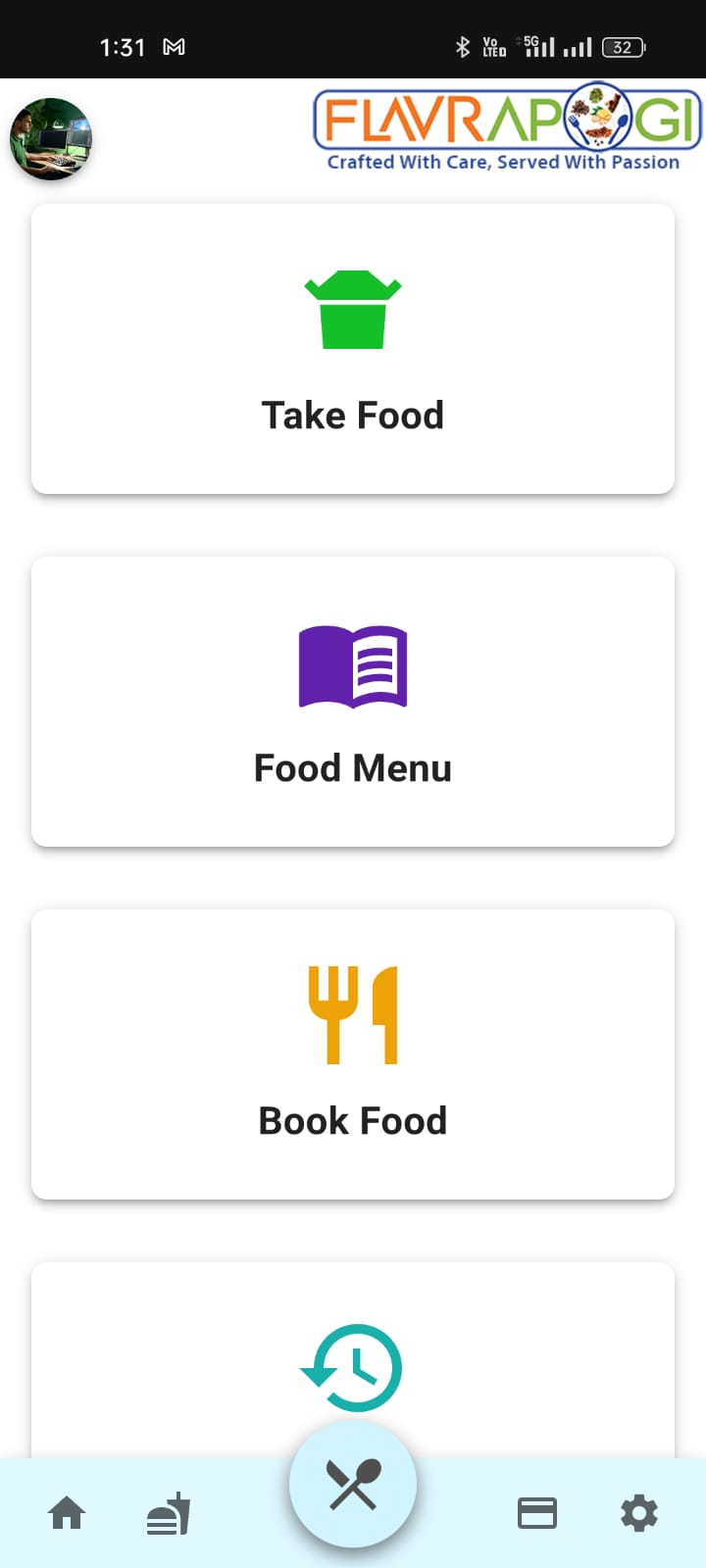
What's New
Version 2.0
Flavrapogi has been completely rebuilt with React Native and Expo for better performance and more features. Install as a PWA for a native app experience.
Installation Guide
Important Notice
For full native app experience, you must install from the homepage before logging in.
1
Open in Safari
Go to flavrapogi.org in Safari (not Chrome)
2
Tap Share Button
Tap the icon in Safari's toolbar
3
Add to Home Screen
Scroll down and select "Add to Home Screen" - this must be done on the homepage before you reach the login screen.
4
Wait for Icon to Load
Stay on the page for 5-10 seconds until the app icon fully loads
5
Launch Like an App
Find Flavrapogi on your home screen and open it like any other app
Native App Features
When installed correctly, Flavrapogi works just like a native app:
Home screen icon
Full-screen experience
Push notifications
Offline support
Camera access
Fast performance
Why This Method?
We're currently unable to publish to the App Store because:
Existing App Conflict
An older version already exists on the App Store with the same identifier
Apple's Restrictions
Apple doesn't allow replacing native apps with Expo-based versions
The PWA version provides nearly all the same features and automatically updates.